


Light by day, dark after hours
Choose light or dark, or let the portal follow your device. Drag to compare.


New: the Clarkes.Team client portal
Clarkes.Team clients get a portal we built ourselves. See the health of your servers and websites, every conversation with our team, your projects and invoices, and who on your team can see what. One sign-in, on any device.
Already a client? Sign in to the portal 

Real portal screens, shown with sample data for a fictional dental practice.
The keys
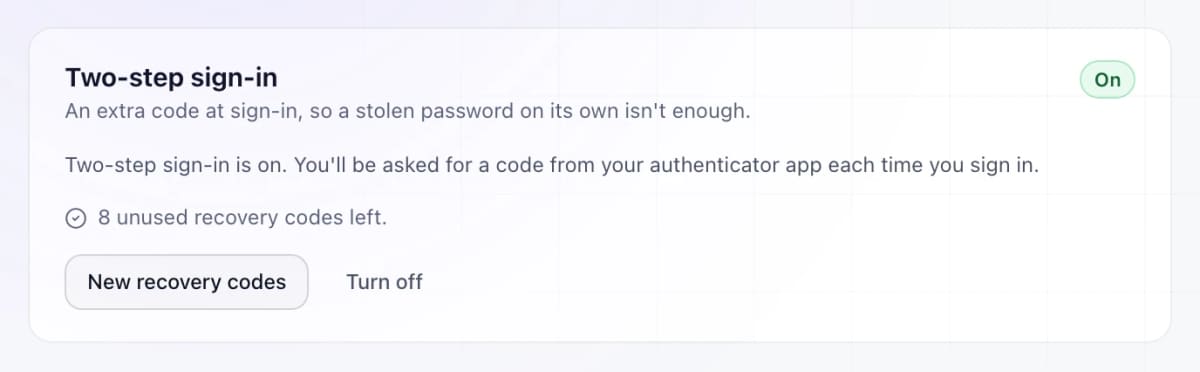
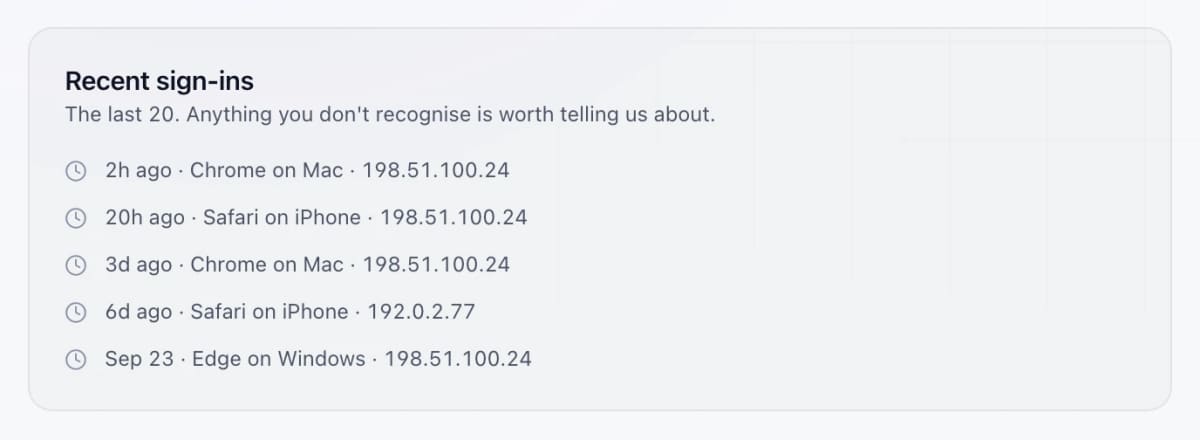
Looking after your servers and websites means holding the keys to them. The portal is how you see what we do with that access.
Logins for your servers, your hosting and your website’s admin: whatever we need to look after them.
Passwords you give us are stored encrypted and never shown in the portal. And we’ll never ask for your password, not by email and not on the phone.
A view of the servers and sites we look after, and every conversation, project and invoice, in one place you can check whenever you like.




Inside the portal
Five screens a client uses every week. Scroll, and the portal scrolls with you.
01 · SERVERS
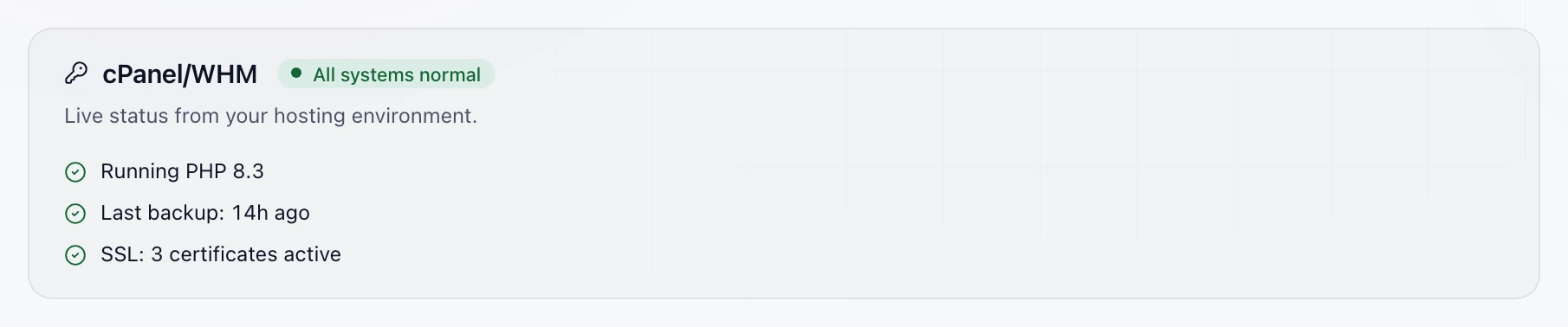
On the cPanel servers we look after, the portal checks system and service health every minute, and mail, security, certificates and backups every hour. You see the result in plain English, without signing in to anything else.


02 · WEBSITES
The WordPress sites we look after sync every hour: desktop and mobile performance scores, how many plugins and themes each one runs, and how many known vulnerabilities they have.


03 · SUPPORT
Open a ticket in the portal or by email, and reply from either. Every message stays on the ticket with its status and history, so nothing gets lost in somebody’s inbox.


04 · PROJECTS
A website refresh or a new office launch becomes a project you can follow from kickoff to launch, as a list or as a board.


05 · YOUR TEAM
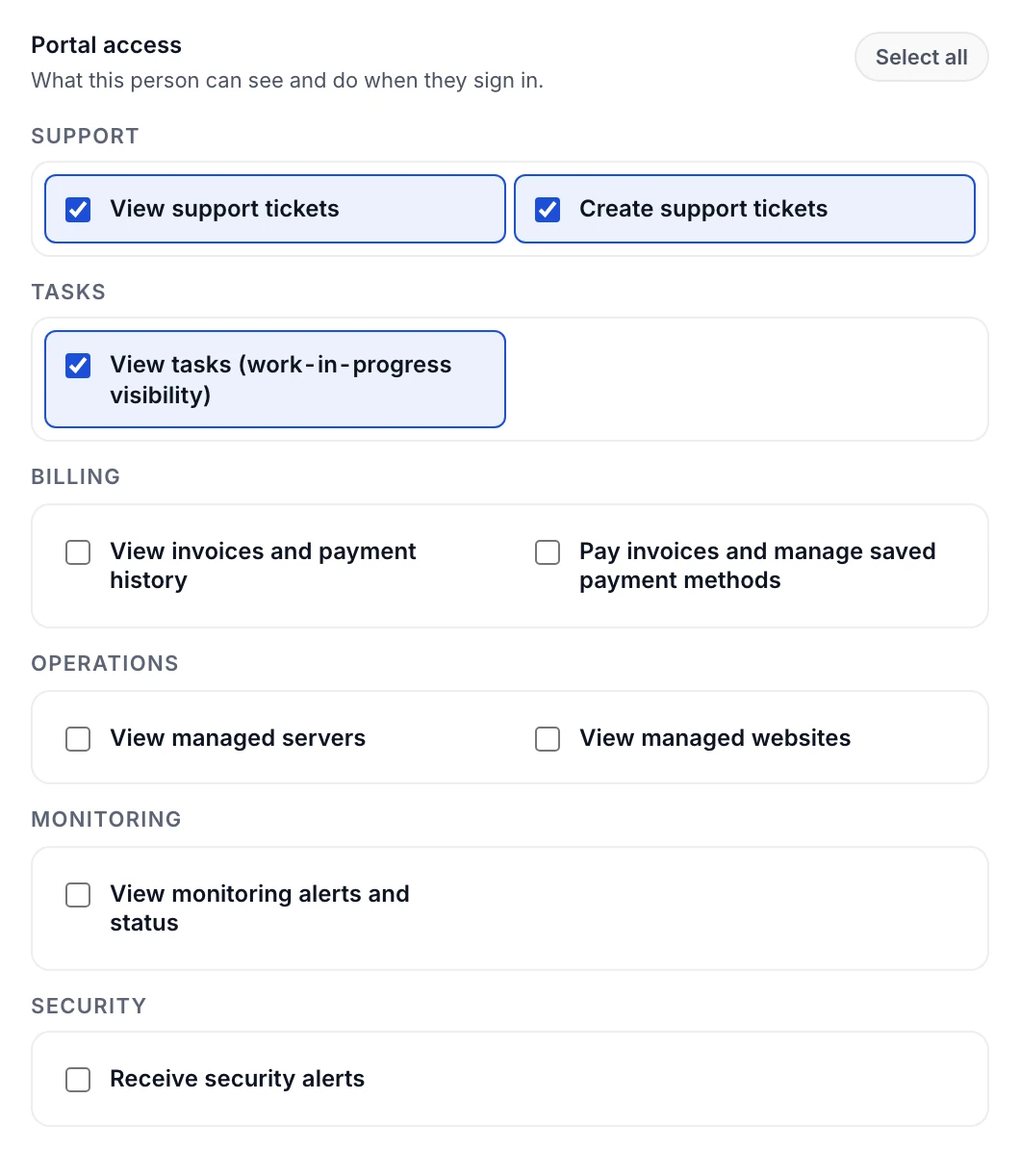
Add the people at your business who use the portal, and choose what each of them can see and do. Your primary contact has full access, and is the only one who can add or change people.



Sample data throughout. Larkmoor Dental Group is not a real client.





After hours
Checks run on a schedule, day and night, and the results show up in your portal. If a site or server we monitor goes down, our team is alerted, so you don’t hear about it first from a customer.
Server checks need a cPanel server we have access to. Website checks cover the WordPress sites we look after.
Support, start to finish
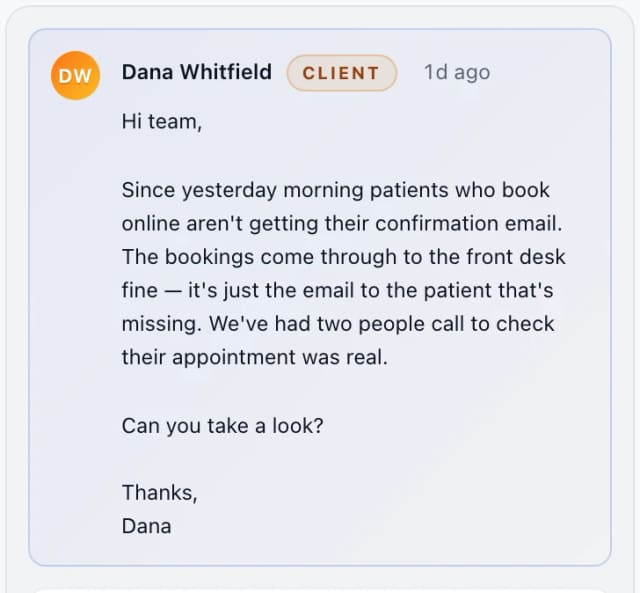
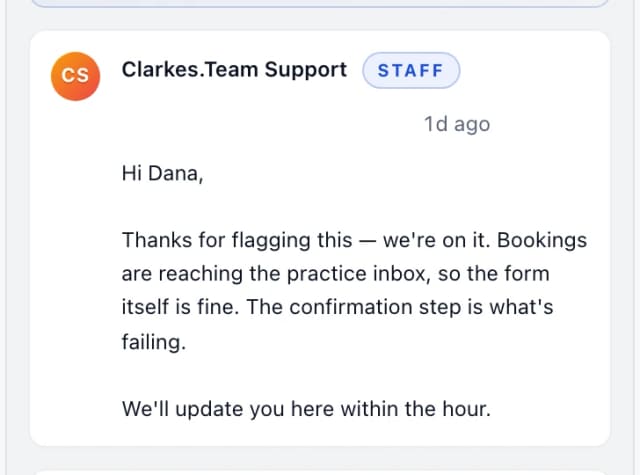
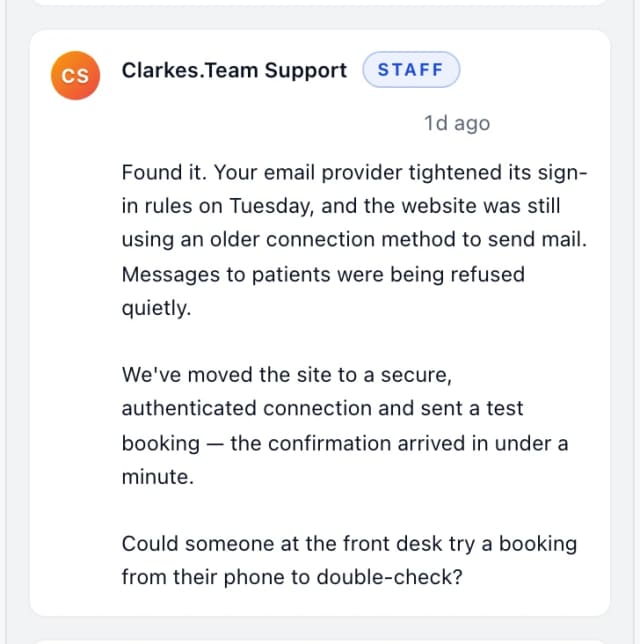
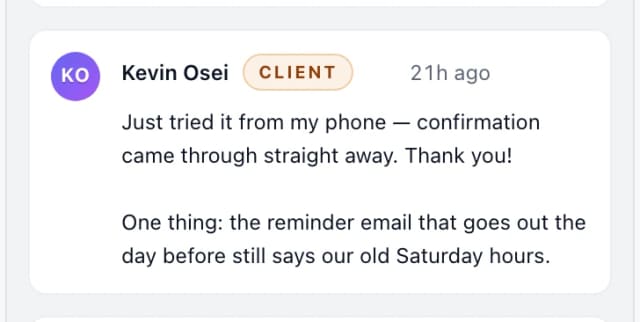
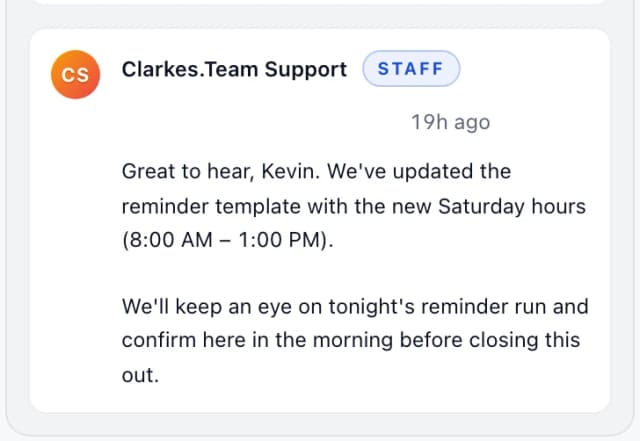
A sample ticket from the portal: a dental practice’s booking confirmations stopped arriving. Watch it go from the first message to fixed and checked.





On your phone
The portal works in your phone’s browser, with your dashboard, tasks and tickets one tap away at the bottom of the screen.


The details
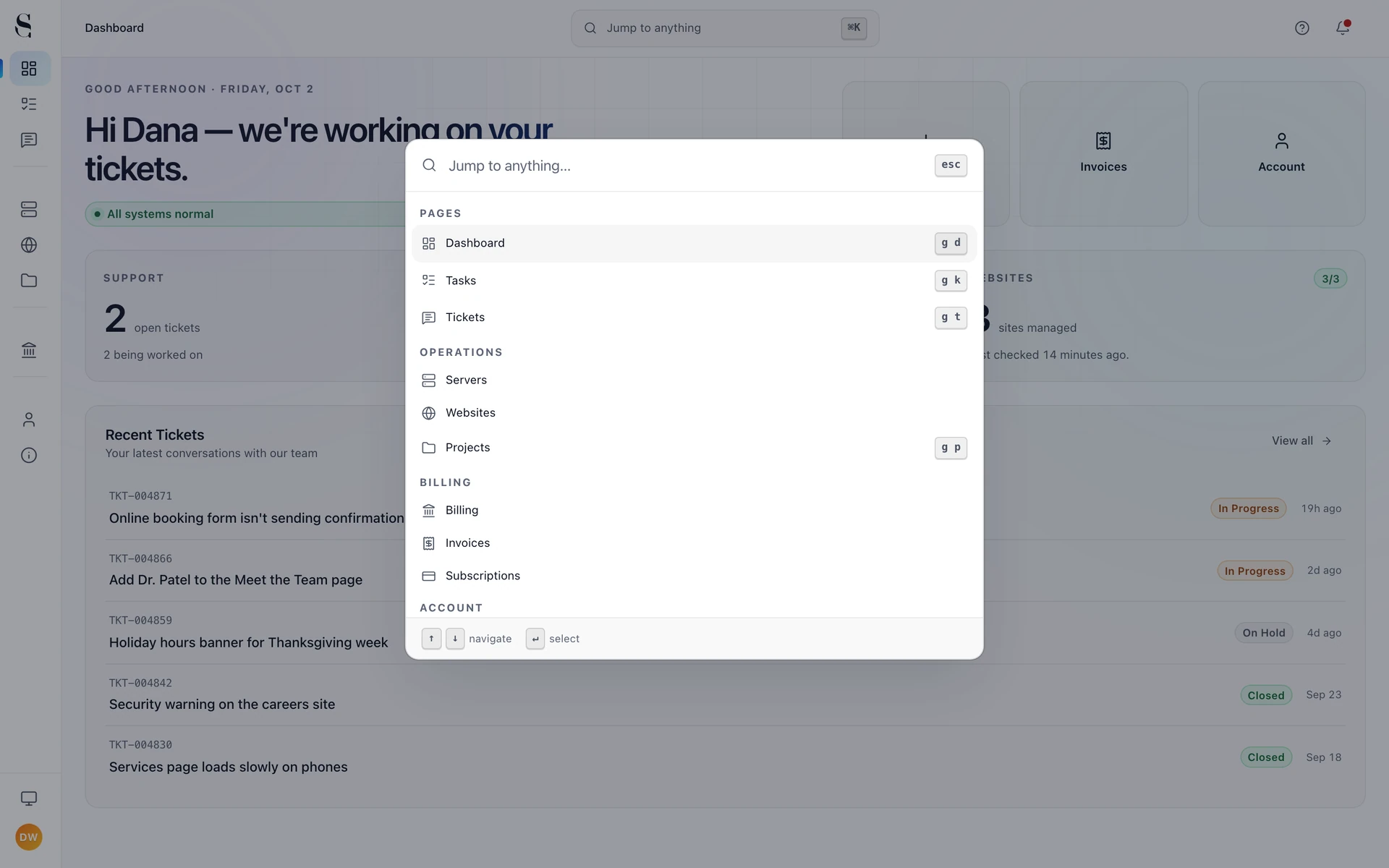
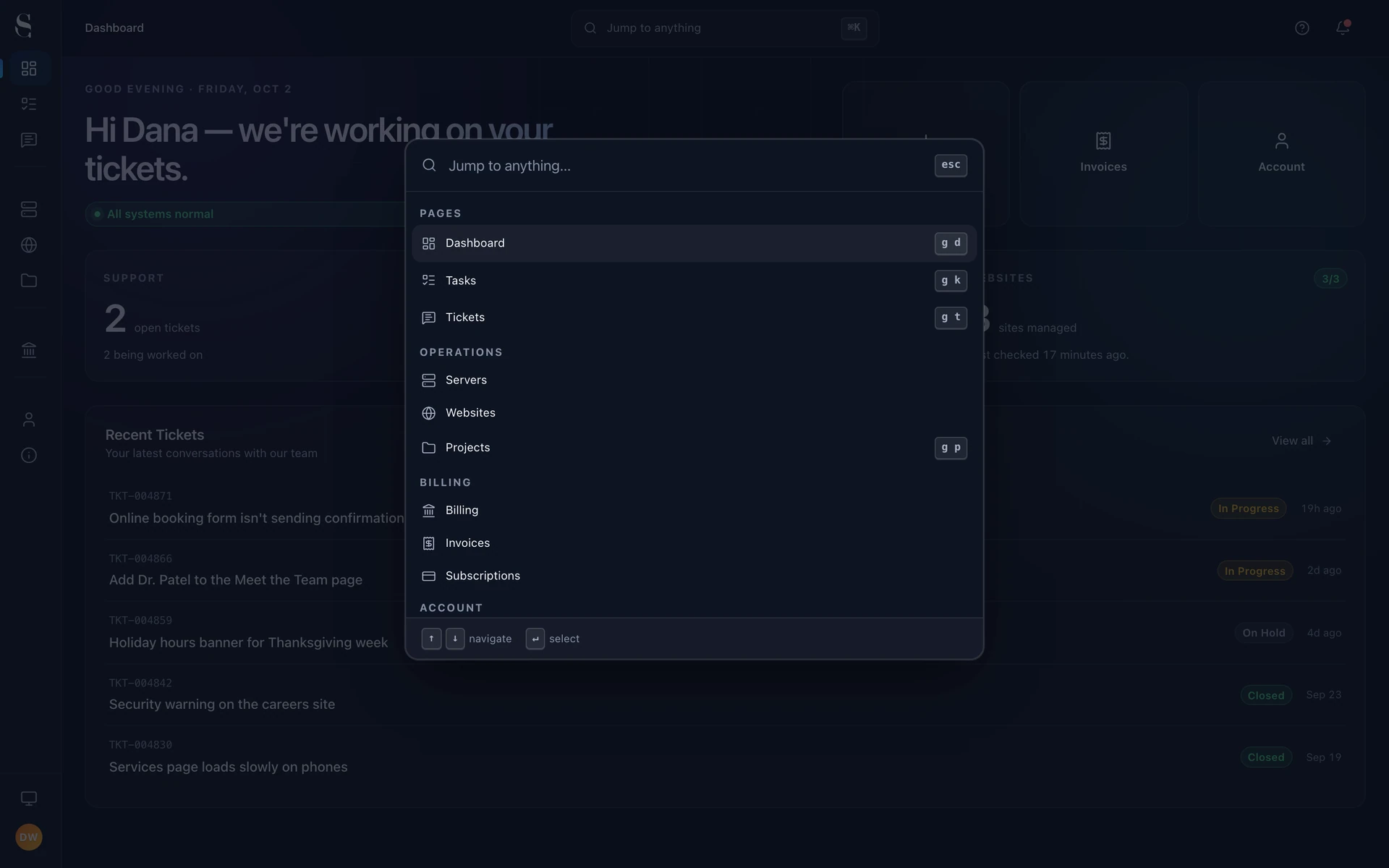
Choose light or dark, or let the portal follow your device. Drag to compare.
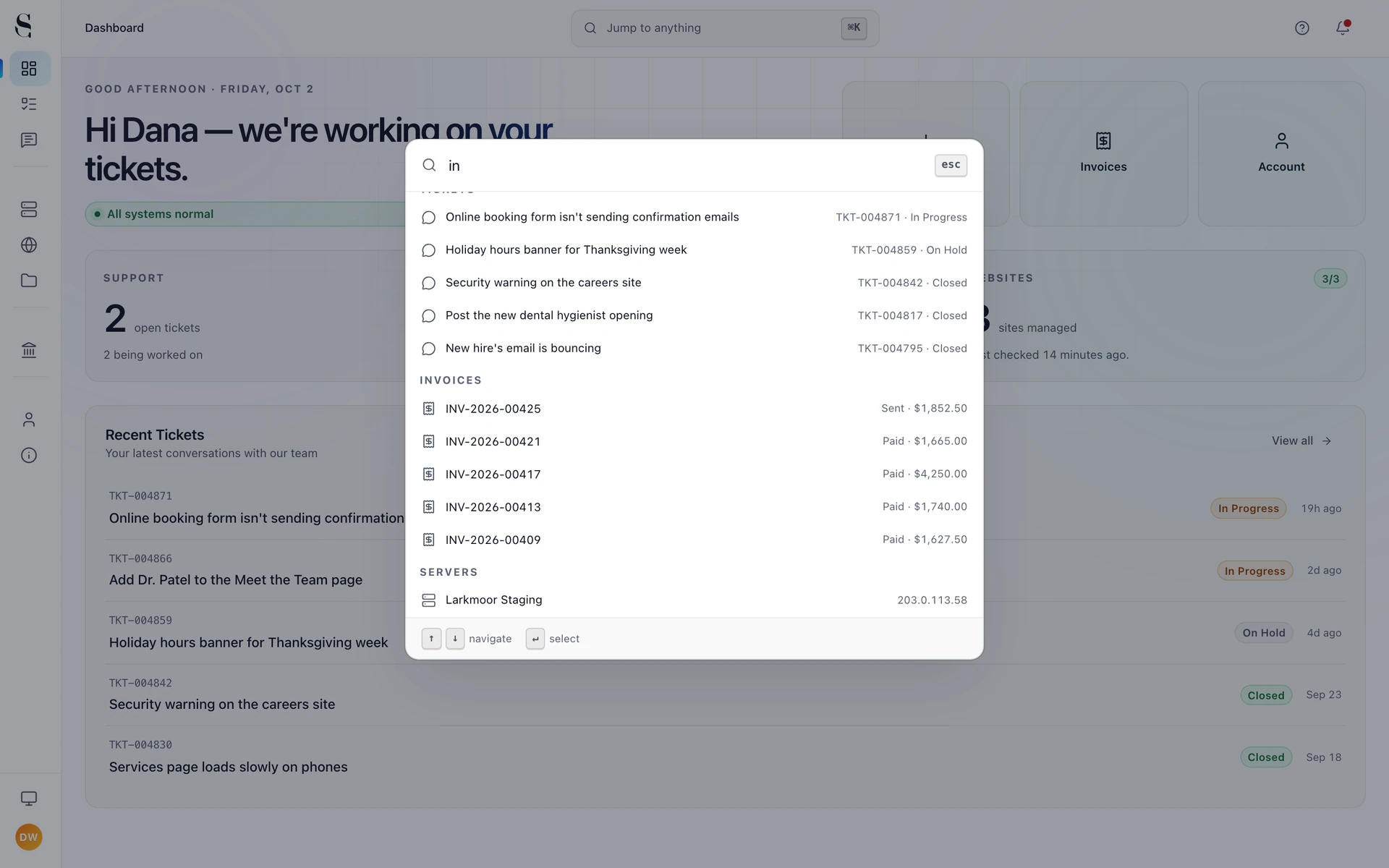
Press ⌘K or click the search bar and start typing. Tickets, invoices and servers come up together.

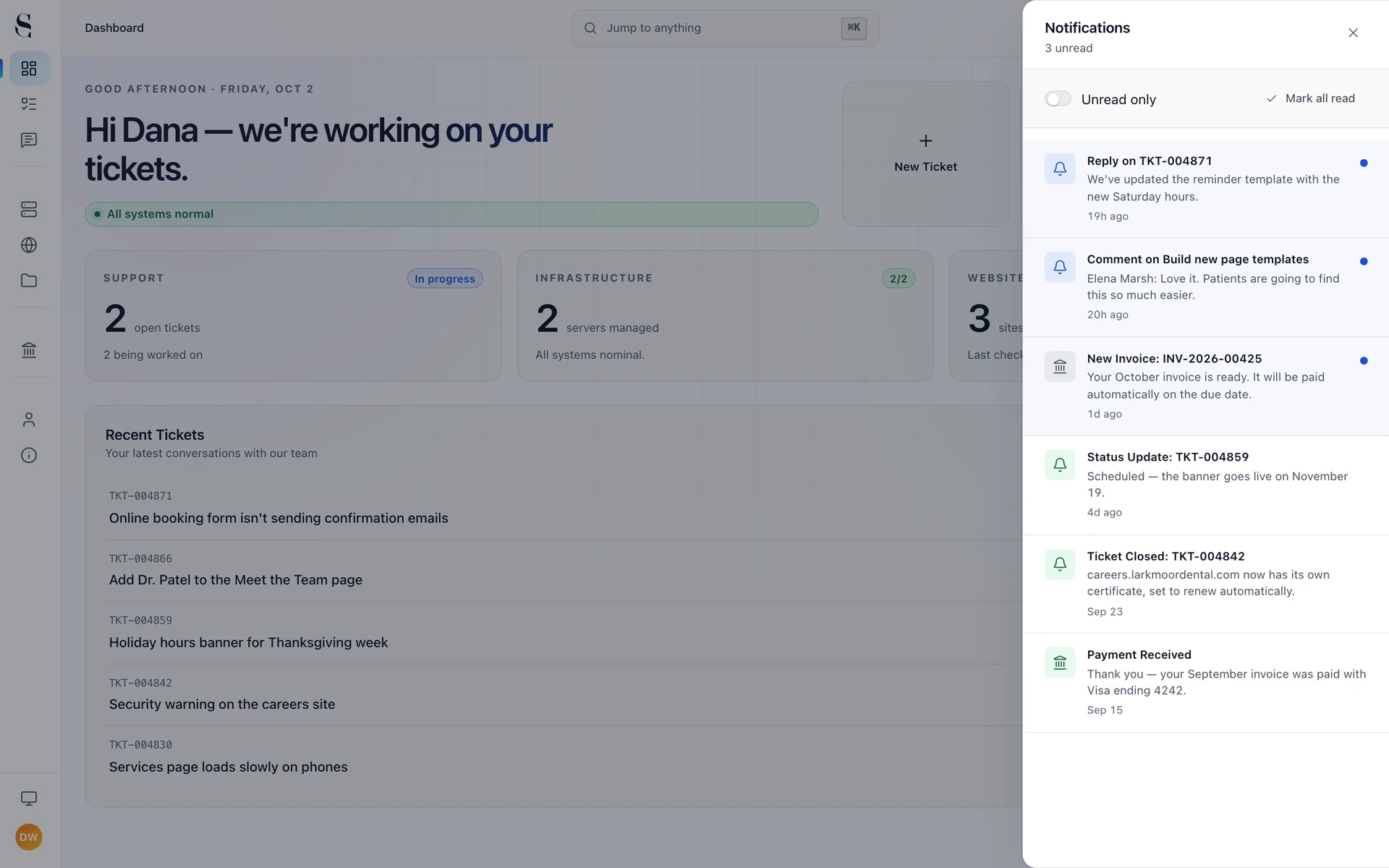
Replies, comments, invoices and status changes, in the portal and in your inbox.

We build the portal ourselves and keep adding to it. The What’s new page says what changed, in plain English.
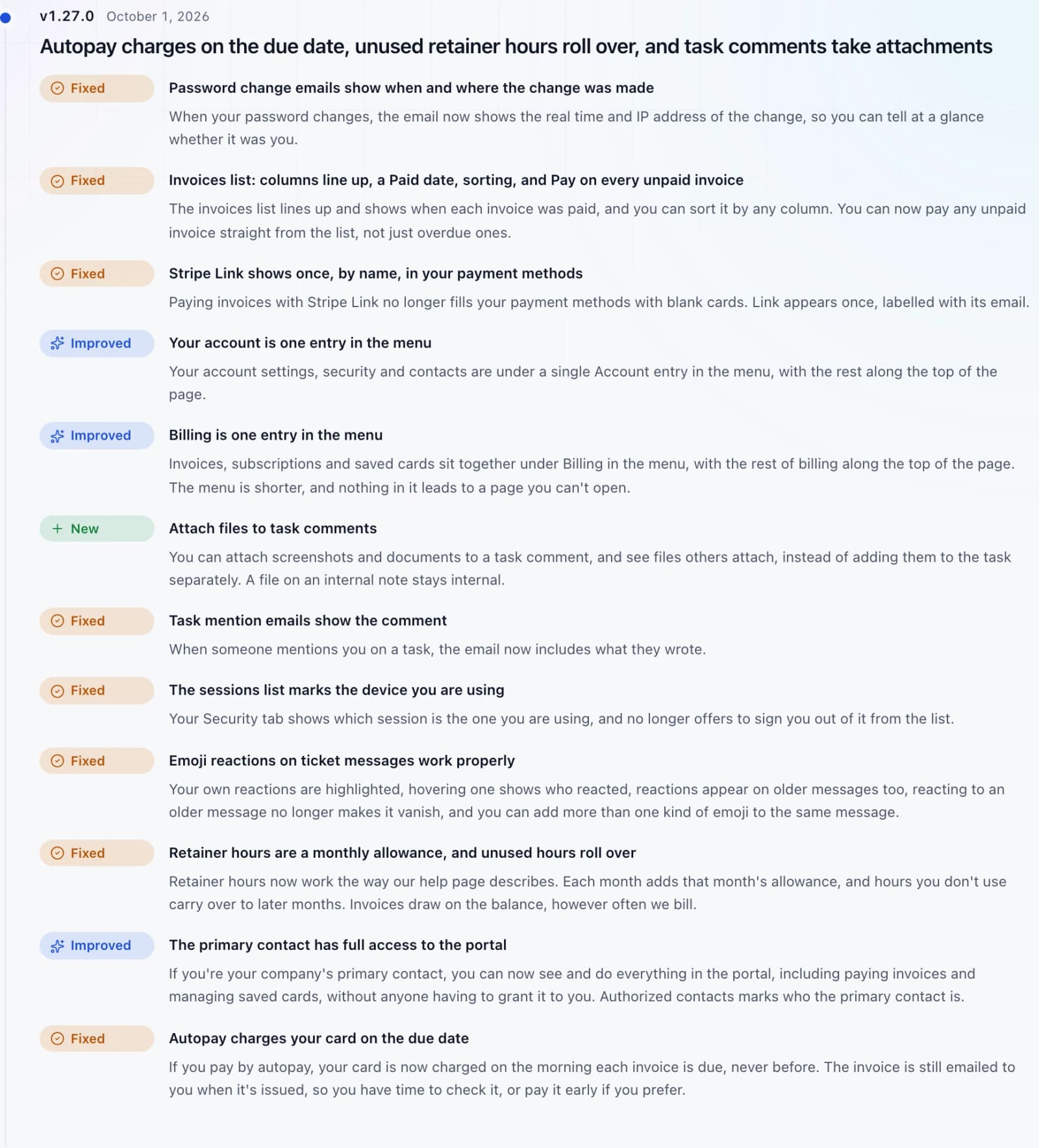

Pay any invoice online by card or bank account. Ask us and we’ll switch on autopay, so each invoice is paid on its due date, never before.


“Your servers, websites, plans and invoices are yours to look at whenever you like, not something you have to request.”
Become a client
Tell us what you run and what you need help with, and we’ll get back to you about next steps.
Thanks for reaching out.
We’ve received your message and will get in touch about next steps.
After hours. We're still monitoring.